After more than a decade in the vending business across the US and Europe, the single most common question I get is whether buying a machine with a modern payment system is worth the upfront cost. The short answer is yes, but only if you match the equipment to the right location and understand the real numbers behind the operation. If you are looking at vending machines for sale with credit card reader, you are already on the right track—cashless payments are no longer a luxury feature but a baseline expectation from customers. I have seen too many operators lose revenue because they stuck with coin-only machines in areas where people simply do not carry cash anymore. This guide will walk you through what I have learned from actual deployments, failures, and profitable routes, so you can avoid the mistakes I made early on.
What a Modern Vending Machine Actually Looks Like Today
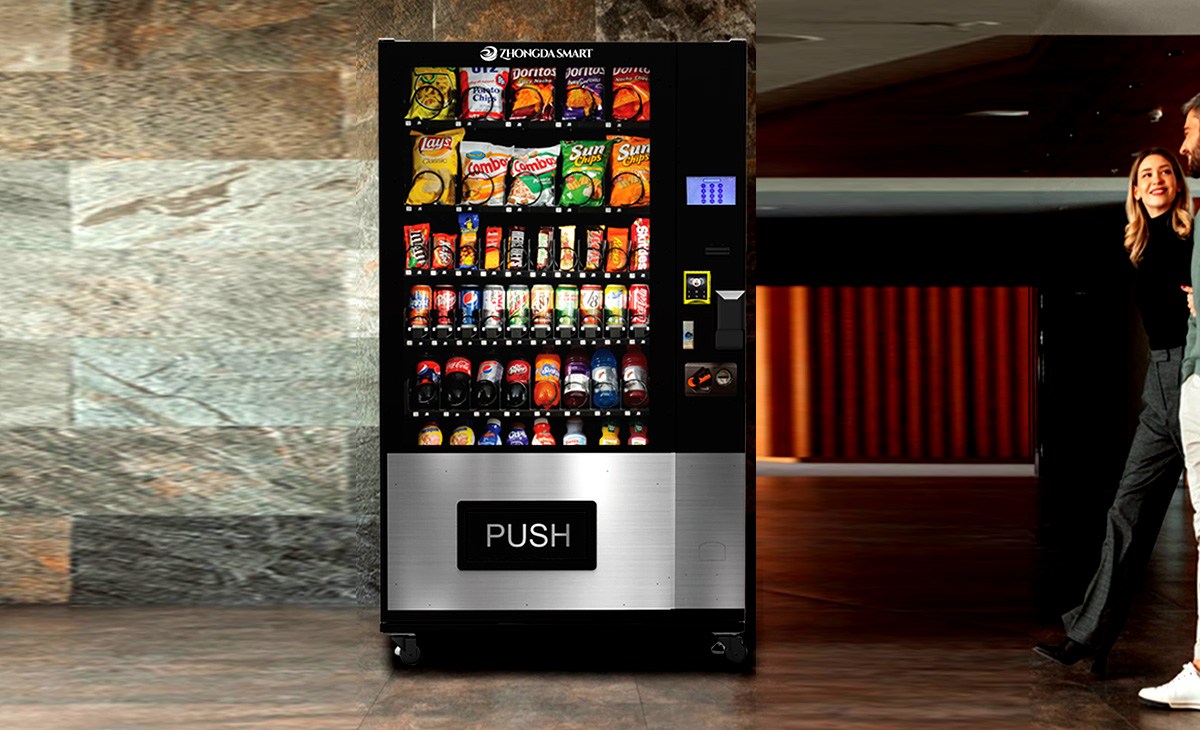
The days of a simple glass-front machine that only takes quarters are long gone. A modern self-service kiosk is essentially a small automated retail store. It includes a touchscreen interface, telemetry software for remote monitoring, and a payment system that accepts credit cards, mobile wallets, and sometimes even contactless tap-to-pay. When you evaluate vending machines for sale with credit card reader, you are not just buying a box that dispenses snacks. You are investing in a data-enabled asset that can tell you exactly what sells, when it sells, and how much cash flow it generates per square foot.
The Shift to Cashless Is Not Optional
Based on my own route data from the past five years, machines equipped with credit card readers see an average sales lift of 20 to 35 percent compared to identical machines that only accept cash. According to a 2023 report by Statista, over 60 percent of vending machine transactions in the United States are now cashless. In Europe, the trend is similar, with countries like the UK and Germany exceeding 50 percent cashless usage in unattended retail. If you are buying a machine without a card reader, you are effectively locking out more than half of your potential customers.
Key Factors to Evaluate Before You Buy
I have seen beginners rush into purchasing equipment without considering the full picture. Here are the factors I weigh before I commit to any machine purchase.
Location Is Everything, But Not How You Think
Most people assume a high-traffic location guarantees profit. That is only half true. I have placed machines in busy transit hubs that performed poorly because the average dwell time was under 30 seconds and customers did not want to stop. On the other hand, a small office break room with 50 regular employees can generate consistent monthly revenue of $800 to $1,200 if the product mix is right. When you search for vending machines for sale with credit card reader, think about where you will place it first. A good location can make an average machine profitable. A bad location will kill even the best equipment.
Total Cost of Ownership Beyond the Purchase Price
A cheap machine might cost $2,000 to $3,000 upfront, but I have spent more on repairs for those budget units in the first year than I did on a mid-range machine that cost $5,500. The refrigeration system, the compressor quality, and the card reader reliability are where manufacturers cut corners. I recommend looking at machines that use MDB (Multi-Drop Bus) protocol for the payment system because it is the industry standard and makes future upgrades easier. A reliable vending machine repair history is hard to find for off-brand units, so stick with manufacturers that have a proven track record.
Realistic Cost Breakdown Based on My Experience
Let me give you a ballpark range based on actual deployments I have managed or consulted on. These numbers are based on US and European markets and will vary depending on your specific region and supplier.
| Machine Type | Initial Investment (USD) | Monthly Revenue Range | Gross Margin (Product) | Estimated Payback Period |
|---|---|---|---|---|
| Basic snack machine (cash only) | $2,000 – $3,500 | $300 – $600 | 25% – 35% | 12 – 18 months |
| Snack & drink combo with card reader | $5,000 – $8,000 | $800 – $1,500 | 30% – 40% | 10 – 16 months |
| Premium combo with touchscreen & telemetry | $7,500 – $12,000 | $1,200 – $2,500 | 35% – 45% | 12 – 20 months |
| Healthy food / fresh food machine (refrigerated) | $8,000 – $15,000 | $1,000 – $2,000 | 40% – 50% | 14 – 24 months |
These figures assume you are buying new or near-new equipment. Used machines can cut the upfront cost by 40 to 60 percent but often come with higher vending machine repair costs and shorter lifespans. I have seen operators pay $1,500 for a used machine that needed a $600 compressor replacement within six months.
How to Choose a Supplier That Won't Let You Down
Over the years, I have worked with at least a dozen different manufacturers and distributors. The ones that stand out share a few common traits: they offer clear documentation, have a responsive support team, and provide machines that use standard parts. One manufacturer I have consistently found reliable for mid-range to premium equipment is Zhongda Smart. Their machines come with integrated card readers, telemetry options, and solid refrigeration. I have seen their units run for years with minimal issues in both indoor and semi-outdoor locations. When you are evaluating vending machines for sale with credit card reader, ask the supplier about the specific card reader model they use, whether it supports NFC and EMV, and what the warranty covers for the payment terminal.
Red Flags to Watch For
- Suppliers who cannot provide a list of existing customers or case studies.
- Machines that use proprietary payment systems that are hard to replace.
- Extremely low prices that seem too good to be true—they usually are.
- No clear return policy or warranty terms for the card reader.
Where to Place Machines for Maximum Return
I have placed machines in over 200 locations across three countries. Here is what worked and what did not.
High-Performance Locations
- Office buildings with 100+ employees and no cafeteria. Monthly revenue: $1,000 to $2,500.
- Medical facilities (hospitals, clinics) with 24-hour staff. Monthly revenue: $800 to $2,000.
- Schools and universities with restricted cafeteria hours. Monthly revenue: $600 to $1,800.
- Gyms and fitness centers where healthy snacks and drinks sell well. Monthly revenue: $500 to $1,500.
Locations I Avoid
- Retail stores that already sell similar products at lower margins.
- Gas stations with limited foot traffic or low average transaction value.
- Any location where the landlord expects a high commission (above 15 percent of gross sales).
A good rule of thumb I use is that the location should have at least 200 potential customers passing by or working within 50 feet of the machine every day. If the number is lower, the machine will likely underperform unless the product margin is very high.
Operating Costs You Cannot Ignore
Many new operators underestimate the ongoing expenses. Here is a realistic breakdown based on a typical mid-range machine generating $1,200 per month.
- Product cost: 55 to 65 percent of revenue (roughly $660 to $780).
- Credit card processing fees: 2.5 to 4 percent of revenue (roughly $30 to $48).
- Electricity: $20 to $50 per month depending on climate and machine type.
- Location commission: 5 to 15 percent of revenue (roughly $60 to $180).
- Maintenance and repair reserve: $30 to $80 per month averaged over the year.
- Restocking labor: $50 to $100 per month if you do it yourself, more if you hire someone.
After all costs, a well-run machine should net between $200 and $500 per month. That is a solid return on a $7,000 investment, but it requires consistent effort. If you factor in vending machine repair costs from a third-party technician, those can run $150 to $300 per service call, so preventive maintenance matters.
Common Mistakes That Cost Operators Thousands
I have made most of these mistakes myself, so I can tell you exactly what to avoid.
Ignoring the Payment System Upgrade Path
I once bought a machine that had a built-in card reader that could not be upgraded to support contactless payments. Within two years, the reader was obsolete, and I had to replace the entire payment module. Always check that the card reader is EMV certified and supports future firmware updates.
Overstocking the Machine
New operators often fill every slot with their favorite products. That is a fast way to lose money. Use telemetry data to see what actually sells. I have seen machines where 80 percent of revenue came from just 20 percent of the products. Remove the dead stock and replace it with high-margin items.
Underestimating the Importance of Cleanliness
A dirty machine with a sticky keypad will lose customers fast. I have lost locations because the facility manager complained about the machine's appearance. Schedule a weekly wipe-down, and replace any cracked buttons or broken displays immediately.
How to Evaluate a Machine's Investment Potential
Before I buy any machine, I run a simple calculation. I estimate the monthly revenue based on the location's foot traffic and average transaction value. Then I subtract all operating costs. The net profit divided by the machine cost gives me the return on investment (ROI). A machine that pays for itself in 12 to 18 months is a good deal. Anything longer than 24 months is risky unless the location has guaranteed long-term stability.
For example, if you find vending machines for sale with credit card reader at $6,500 and estimate $1,200 monthly revenue with $400 net profit, your payback period is about 16 months. That is a reasonable target. But if the location commission is 20 percent and the electricity costs are high, the net profit drops to $250, extending the payback to over two years. Always run the numbers before you sign anything.
Understanding the Role of Telemetry and Data
I cannot stress enough how much telemetry has changed the game. Machines that report sales data in real time allow you to adjust pricing, optimize inventory, and schedule restocking only when needed. Without telemetry, you are guessing. According to a 2022 study by IBISWorld, operators who use telemetry report 15 to 25 percent higher profitability compared to those who rely on manual checks. When you look at vending machines for sale with credit card reader, prioritize models that offer built-in telemetry or at least an expansion port for adding it later.
Legal and Regulatory Considerations
In both the US and Europe, vending machines must comply with local food safety regulations. In the European Union, machines that sell perishable goods must maintain specific temperature ranges and be subject to HACCP principles. In the US, the FDA has guidelines for food vending machines, and some states require permits. I recommend checking with your local health department before placing a machine that sells any food item. Also, ensure your machine has a clearly visible label with the business name and contact information, as required by many jurisdictions.
For more details on EU regulations, you can refer to the European Commission's food hygiene page. In the US, the FDA Food Code provides guidance on vending machine requirements.
FAQ: Answers to the Most Common Questions I Get
Are vending machines profitable?
Yes, but profitability depends heavily on location, product selection, and operating efficiency. A well-placed machine with a card reader can generate $200 to $500 in monthly net profit. Poorly placed machines can lose money. Based on my experience, about 70 percent of machines are profitable within the first year if the operator does proper due diligence.
How much does a vending machine with a credit card reader cost?
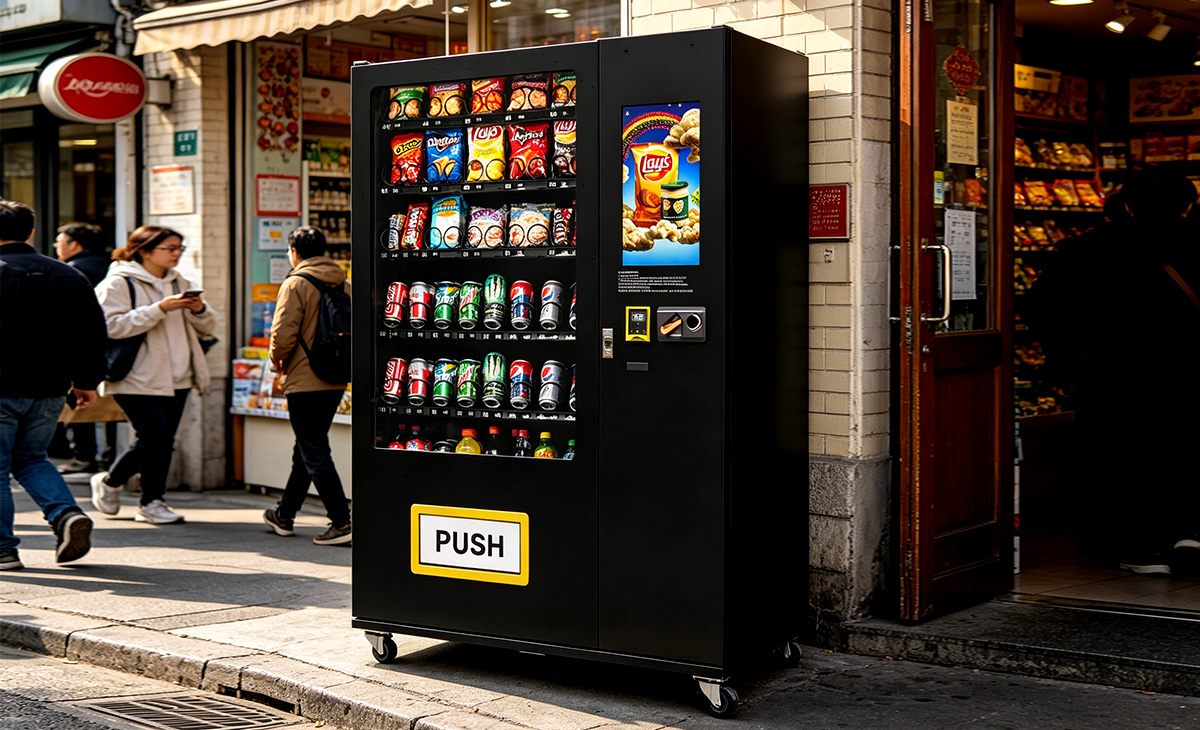
New machines with integrated card readers typically range from $5,000 to $12,000. Used machines can be found for $2,500 to $6,000, but you may need to upgrade the payment system. When you search for vending machines for sale with credit card reader, expect to pay at least $4,500 for a reliable unit that includes a modern payment terminal.
How long does it take to recoup the investment?
For most operators, the payback period is between 12 and 24 months. Machines in high-traffic locations with low commission can pay back in 10 months. Machines in marginal locations may take 30 months or more. I always advise new operators to plan for an 18-month payback to be conservative.
Should a beginner buy or lease a vending machine?
Buying is generally better if you have the capital and plan to operate for more than two years. Leasing can be useful if you want to test a location without a large upfront commitment, but the monthly payments often eat into profits. I have seen leasing agreements where the operator ends up paying double the machine's value over three years.
Where should I place my first machine?
Start with a location you already have access to, such as your own workplace, a friend's business, or a local gym where you know the owner. This reduces the risk of losing the location and gives you time to learn the operational side without pressure.
What permits do I need?
Requirements vary by country and state. In the US, you typically need a business license, a seller's permit, and possibly a food vending permit if you sell perishable items. In the EU, you need to register as a food business operator with your local authority. Check with your municipality before placing any machine.
How do I choose a reliable supplier?
Look for suppliers that offer a clear warranty, responsive customer support, and machines that use standard components. I have had good experiences with Zhongda Smart for mid-range to premium machines. Also, ask for references from other operators in your region.
What happens if the machine breaks down?
Most mechanical issues can be fixed by a local vending machine technician. Keep a list of at least two repair services in your area. For card reader issues, contact the payment terminal provider directly. I recommend having a spare card reader on hand if you operate multiple machines, as downtime directly costs you revenue.
How can I reduce restocking and maintenance costs?
Use telemetry to monitor inventory levels and only restock when needed. Group your machines geographically to minimize travel time. Perform basic cleaning and checks yourself to avoid unnecessary service calls. Also, negotiate bulk pricing with your product suppliers to improve margins.
Final Thoughts From Someone Who Has Been in the Trenches
Running a vending route is not a passive income scheme, but it can be a solid business if you treat it like one. The machines themselves are just tools. What makes the difference is how well you choose your locations, how carefully you manage your inventory, and how quickly you respond to maintenance issues. I have seen operators build profitable routes with just three or four machines, and I have seen others fail with twenty because they ignored the basics. If you are serious about getting into this business, start small, learn the operational rhythm, and reinvest your profits into better equipment. And when you are ready to make a purchase, take your time comparing vending machines for sale with credit card reader from reputable suppliers. A well-chosen machine in a good location will serve you for years.
Disclaimer: The figures and estimates provided in this article are based on my personal experience operating vending machines in the US and European markets. They are not guaranteed results. Actual revenue, costs, and payback periods will vary based on location, product selection, local regulations, and operational efficiency. Always perform your own due diligence before making any investment.